

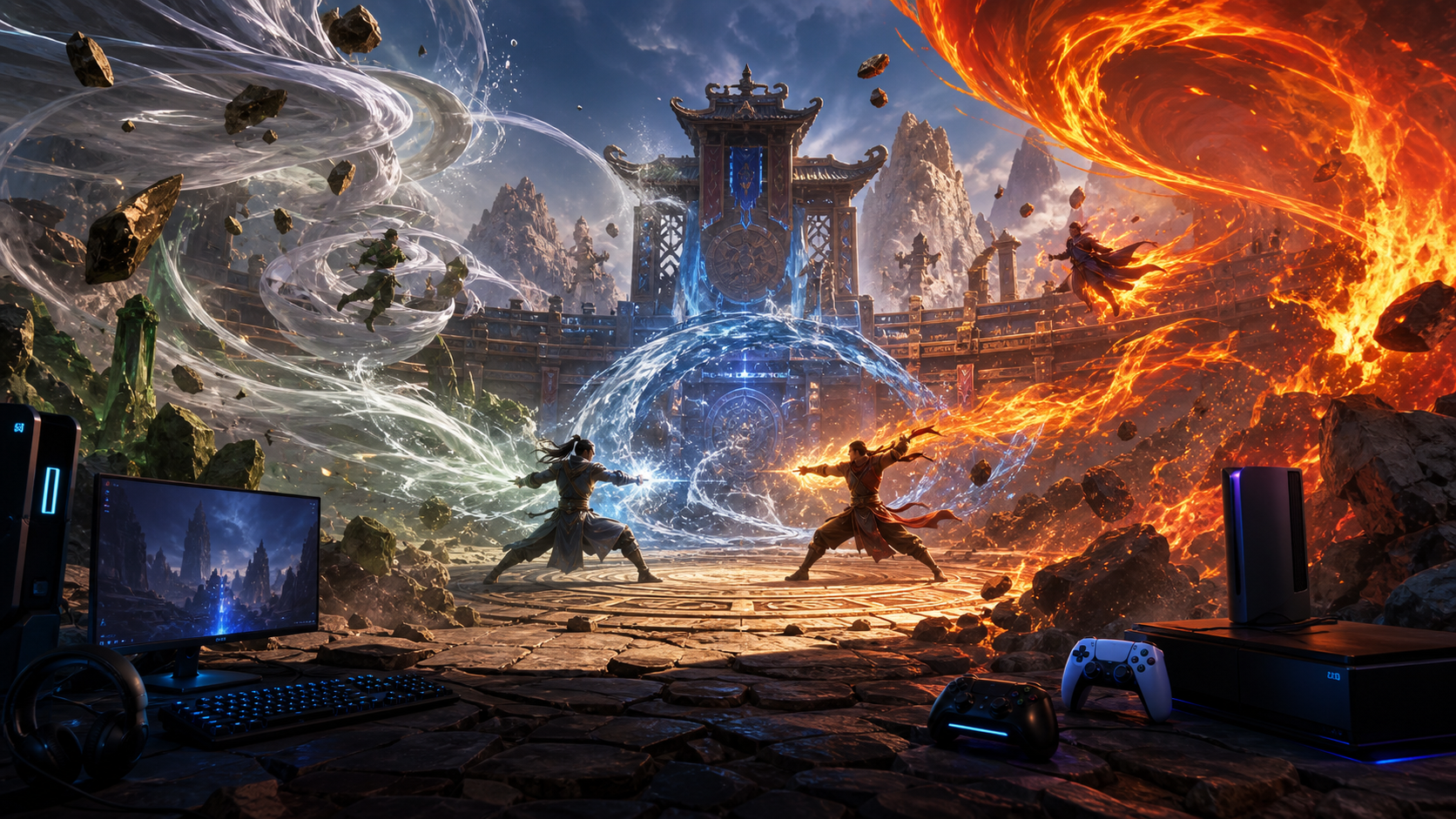
It is a familiar moment for many players: you spot a release window, the trailer has a lot of momentum, and your wallet is already in the browser tab. In this case, the game is Avatar Legends: The Fighting Game. Before you click pre-order, the safest move is a short store-side checklist. The title is in a real launch window now, but launch pages often disagree on small details, and that is where people usually lose value.
Why this title is on the radar now
The launch signal comes from official sources, not rumor channels. Steam, PlayStation, and Xbox pages all list the game in active storefront status with pre-order or release timing context. A practical cross-check is to avoid treating that as one signal and instead align all three pages before purchase. If release timing, platform support, or included bonuses differ, that can affect which copy is the best fit for your setup and budget.
Step one: confirm launch timing across official storefronts
Use the same title, same date window, and same game edition on each page before you move forward. The Steam listing is often your clearest signal for launch and wishlist behavior, because it shows PC-oriented details and edition structure. The PlayStation page gives console-specific release framing. The Xbox listing is your anchor for Series X and S support and storefront-specific release details. If one page updates before another, that is common in pre-launch windows, but it is not a reason to panic if you are aware of it.
Here are the links you should confirm at the start of your shopping pass:
Step two: compare editions, more than prices
Pre-order pages usually present several editions, but the line between value and extra cost is thin. A regular edition can be the right call for many players who prefer to buy just the base game first. A deluxe or premium option can still win if your preference is a bigger launch bundle, but only if the bonus content is useful to your play style.
What to verify for each edition:
- Does it include content that is purely cosmetic, or does it provide meaningful gameplay value for future sessions?
- Is there a starter kit that affects launch day play, such as in-game items, skins, or progression boosters?
- Is the same bonus list shown on every store page, or do platforms gate some extras by storefront?
- Does your preferred platform offer the edition at all, and with the same pricing tier?
Do not assume that a higher price means better value for your specific setup. A clear baseline is simple: if the premium list item cannot be used in your first weeks of play, a standard edition can be a stronger value choice.
Step three: treat pre-order bonuses as time windows, more than gifts
Most launch shoppers make a mistake and treat bonus items as permanent made available value. Bonuses are often tied to release windows, event windows, or account status. The safe question is not what you get, but when you can use it. If your goal is launch weekend depth, check whether each bonus has a redemption or availability window, and whether it matters after day one.
For this title in particular, your focus should be on practical readiness: launch date certainty, edition differences, and closed beta or early access context where available. If a platform page includes limited-time perks, treat them as conditional value. Keep screenshot evidence on your own notes or bookmarks if those bonuses are part of your decision.
Step four: verify platform-specific requirements before checkout
Even when launch windows line up, platform details change how often a game feels smooth for you. Before paying, confirm your chosen platform supports your account and ecosystem setup. The right setup checklist is short and concrete:
- Primary platform: PC, PlayStation, or Xbox Series X|S.
- Controller or input options you expect to use.
- Cross-play or account interoperability claims for your preferred play mode.
- Regional availability and tax handling shown at checkout.
A store page can be accurate for title and release, yet still shift details like region support and optional accessories. If you shop from another region, compare currency and final total with taxes before payment.
Step five: keep newsworthiness and hype in perspective
A lot of launch coverage becomes noise when it is only hype and no anchor. For this post, the anchor is that the game appears on major official channels with clear pre-order context. To avoid hype trap, use one external demand signal as a sanity check, not a substitute for details. SteamDB is often used as an interest signal, and it can show broad interest movement without replacing official store facts.
That is why this guide keeps the comparison practical. We are not ranking the game against others. We are giving you a repeatable purchase method: confirm timing, confirm editions, confirm region and account fit, and confirm bonus terms.
A quick launch checklist you can reuse
Before you pre-order, run this final pass:
- Reopen the Steam page and Xbox page on desktop, then the PlayStation page on their page flow.
- Confirm launch date and platform list have not changed in the past 24 hours.
- Record which edition includes what, and whether that item is still listed as pre-order exclusive.
- Check if the title has a closed beta stage that fits your schedule and whether participation is tied to a platform tier.
- Verify your final charge in your own region to avoid currency surprises.
- Verify store terms for refunds and cancellations before placing payment details.
If three out of five points are uncertain, it is usually worth waiting for one store refresh cycle before placing an order.
Step six: what you can do once the launch hits
After launch, check for a day two update on official pages: patch notes, platform notes, and any post-launch bonus adjustment. The page updates may clarify early-access access, save game behavior, and event timing. If you want your purchase to stay in the best position for value, keep the same checklist and repeat it after launch day. That tiny habit avoids the common buyer regret of buying fast and then realizing a better value option appeared in another edition class.
Where the confidence comes from
For launch decisions, confidence does not come from hype or a single screenshot. It comes from matching the same facts across channels. In this case, the official pages and a secondary demand signal are enough to give you a strong signal for pre-order decisions, if you keep the order process disciplined.
The goal is not to be first to purchase. The goal is to buy the right edition, on the right platform, with a clear understanding of what is included and when it starts. That is exactly the kind of launch strategy that saves money and reduces regret after day one.
If you like this checklist format, keep it ready for each pre-order window you care about, from big launches to handheld drops. The same six checks work whether you buy in a storefront rush or wait for a few hours. The only difference is the launch page.