

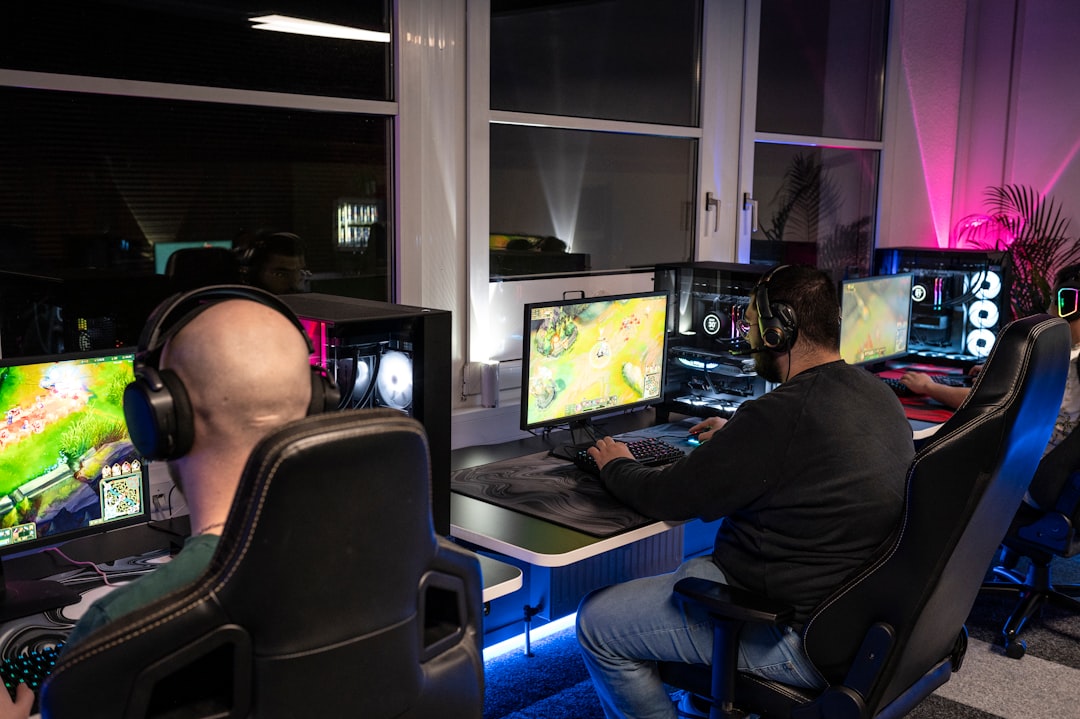
At eight in the evening on a crowded Wednesday, you might be doing the same thing as many PC and cloud players: loading a title, checking frame drops on one scene, then deciding whether the next upgrade is hardware, settings, or just patience. The update cycle this month suggests there is a better first move. NVIDIA has moved AI graphics conversation from generic model bumps into a new planning cycle, and that shift changes what to upgrade first.
What the DLSS 5 announcement changes
According to NVIDIA's official release, DLSS 5 is positioned as the next major branch in the DLSS lineup and is targeted for a fall release window. The document also points to launch examples and rollout mechanics that matter to players: this is no longer only a benchmark headline exercise; it is a support and adoption timeline. That difference is practical, because it changes where people should spend their attention in July and August.
Read the official NVIDIA DLSS 5 publication and review NVIDIA's earlier DLSS 4.5 page before locking your setup decisions.
How this is not just DLSS 4.5 with a new label
It is easy to read any new DLSS release as incremental. The reality is that each generation can change the decision path. DLSS 4.5 is still valid for players using older supported setups, but DLSS 5 brings a new model family and new support behavior. The key point for buyers is this: you should evaluate DLSS 5 on game-level readiness and practical play profile, not just brand name.
Most upgrade plans in the last six months have used one of two bad rules. The first is to upgrade hardware first and test later. The second is to wait for perfect certainty and then buy nothing for too long. DLSS 5 does not remove the need for disciplined testing, but it does make a third rule worth using: use your support timeline as a primary input. If your favorite titles are not in DLSS 5 coverage yet, your settings should focus on 60 Hz stability, frame pacing, and heat control, not headline marketing.
How to decide if DLSS 5 matters this cycle
Most of the real value in this announcement is not the raw numbers, which can shift by title. It is the structure of support. If your stack checks all of these boxes, you are a strong candidate for earlier DLSS 5 adoption:
- You already run a card that can use current DLSS modes in your main titles.
- At least one of your most played games has official DLSS 5 communication in the early list or rollout notes.
- Your bottleneck is in frame pacing or GPU stress, not in game memory, patch cadence, or CPU heat.
- Your play style values stable visuals across crowded fights more than ultra high fps spikes.
That list sounds strict on purpose. A lot of players skip directly to benchmarks and then complain when a new mode does not translate. That is usually a support mismatch, not a broken announcement.
Who should probably wait before changing settings
There is also a broad group for whom DLSS 5 will not feel immediate:
- Players on older cards that are outside current NVIDIA support windows.
- People using game settings tuned by trial and error and not by actual profile baselines.
- Anyone chasing one patch to solve every issue at once.
- Teams building streams with strict color grading or screenshot workflows that depend on fixed output behavior.
The point is not to be cautious for the sake of caution. It is to avoid treating DLSS 5 like a magic wand. Even when the model arrives, the player quality improvement depends on how each game team exposes it and how your title pipeline handles quality presets.
Cloud players need a different lens
Cloud users get a quieter, but often more important, decision point. If latency budget is your main constraint, the value of DLSS 5 can be less dramatic in short sessions and more obvious in long ones. A stable cloud setup is a full stack problem: display settings, stream bitrate, and local decode health all matter before any AI upscaling promise becomes meaningful.
In that sense, DLSS 5 is useful as a planning marker. If your cloud title list is small and mostly unsupported, spending on a hardware refresh now may not buy you the expected comfort. If your queue has a DLSS 5-ready game mix and a stable network, this new model becomes part of your value equation much sooner.
A practical upgrade order for the next eight weeks
The safest upgrade order is simple and boring:
- Track three anchors: your top five games, your current framerate floor, and your heat behavior under load.
- Compare the DLSS 4.5 baseline on those same games and note where DLSS 4.5 settings are already usable.
- When official DLSS 5 support for those games is public, switch your test plan to one day per game, not all at once.
- Keep a small spreadsheet of quality modes, frame floor, input latency feel, and power draw if that helps your judgment.
- Buy only when at least two of the top three metrics improve in a way you can live with.
This is not glamorous, but it is exactly why this announcement is useful. It gives players a better calendar, not just a bigger marketing number. You can now decide whether to move a monitor, move a graphics card purchase, or pause and watch support notes.
One setup you should avoid right now
Do not treat DLSS 5 as your reason to install the newest preset slider pack, rebuild your case fan plan, and force every game into an aggressive preset. That is how people end up with worse gameplay in the first week and disappointment two months later. DLSS updates do not erase every bad baseline workflow, and some games expose the technology as a gradual, support-driven change.
If you are still waiting on official sources for your key titles, the best move is simpler: keep DLSS 4.5 in your baseline, monitor patch notes weekly, and update one thing at a time. If nothing else, this gives you a clean answer to the most common support question: when does this become worth it?
What to watch first in the fall
Because the announcement points at a fall rollout, the next useful action is not a hardware purchase list. It is a title list. Check which of your core games report DLSS 5 integration first, and make your next spend decision game by game. The players who do well with this model are usually the same players who treat model updates like roadmap signals, not one-off miracles.
If you are planning to write your own gaming setup checklist for friends, now is a good time to switch from guesswork to simple gates. A title is a lot less exciting on day one and a lot more useful after three stable play sessions. DLSS 5 will be more than a line in patch notes only if you treat it as a timing change in your decision process. That is a practical skill players can use right now, no matter whether they are on desktop rigs, laptops, or cloud sessions.