

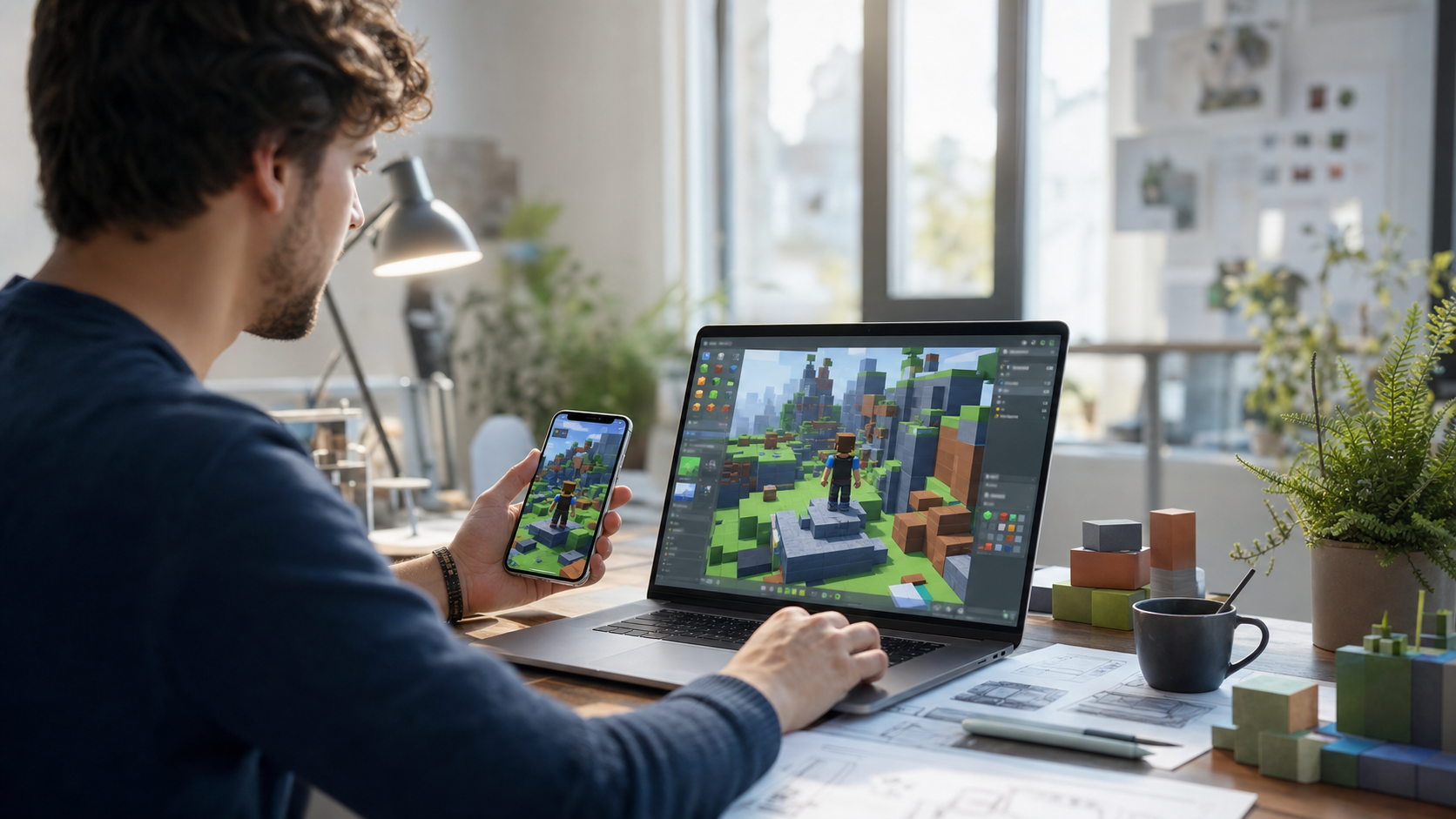
At 7:00 p.m. on a normal workday, a small creator group could look like this: one person is sketching obstacle timing, another is checking audio, and a third is trying to edit a map while standing in a grocery store line. The announcement from Roblox about Build without limits changes how often this scene can happen in a useful way.
In the July update, Roblox said it added Build, a new mobile-first creation tab inside the main app, and expanded AI-powered creation tools in Studio. The practical upside is obvious for creators with limited desktop time, and the timing is clear, because testing for this feature flow was slated to begin soon after the announcement. Anyone watching mobile game creation now has a concrete reason to revisit their workflow before the next update cycle.
What this rollout changes for Roblox teams
Many creators already run a split process: idea notes in one place, first build in another, then a long handoff to Studio. Build compresses this into one visible loop. It also gives non-traditional creators a way to move past the abstract stage and into something players can interact with sooner.
- Prototype mechanics while walking between meetings instead of waiting for a workstation.
- Test a concept quickly with friends by sharing a lightweight preview before committing to heavy asset passes.
- Use AI helper features to reduce repetitive setup, then spend the saved time on game feel, balance, and readability.
Those are not abstract promises. They are practical reductions in friction. If you have ever spent a Thursday afternoon rebuilding the same prototype flow because the final studio state was blocked by tool friction, this matters immediately.
Why this matters especially for small and mobile-first crews
Small teams often do not have the same internal tooling as large studios. When Build and mobile assistance work as intended, teams gain a useful middle lane between pure brainstorming and full production. You can explore pacing, rule systems, and scene rhythm before you touch expensive art revisions.
For creators already relying on AI assets, this update also makes the review process more visible. Roblox says there is a major product shift toward broader AI usage in the creation process. The details behind policy and moderation still matter. If your team uses generated layouts, dialogue prompts, or textures, you still need human review for quality, copyright, and player safety. This is good news, not bad news, because AI speeds first draft work but should not replace final ownership.
For every hour saved in setup, teams now need one extra hour of curation, because the finished result is still judged by players, not by the toolchain.
What this means for players, more than creators
Players are not directly promised fewer bugs or perfect performance on day one. What they get sooner is a wider stream of ideas reaching test-ready states faster. In communities, that can look like a healthier mix of fresh mini-games, cleaner prototypes, and fewer half-finished ideas that never leave a private room.
For a player base that already spans school schedules, part-time jobs, and shared devices, this path can add new kinds of games from people who were previously constrained by access to hardware. The shift is quietly inclusive even when no feature banner calls it out.
How to adopt this without overpromising
Do not move every internal task into Build day one. A better plan is to define a two-stage gate:
- Use mobile Build to test one mechanic per session and keep the notes in one place.
- Move only the sessions that prove fun into Studio, then finish polish where needed.
- Keep final art, UI readability, and accessibility checks in a desktop pass, because those controls are still the quality floor for players.
That rhythm avoids a common new-tool trap: treating every generated preview as production quality. It also keeps your pipeline honest. If a concept survives mobile-only prototyping, then you know your team is solving an actual gameplay problem, more than trying a shiny button.
What to watch in the next weeks
The big questions now are simple. Will mobile-only prototyping produce better retention on first publish? Will moderation hooks and policy guidance stay smooth enough for teams moving fast? And will the AI tools encourage repetition, or better invention? The answer depends on creator habits as much as product choices.
For now, the safest move is not to chase volume. Use Build where it saves setup time, then return to disciplined production in Studio. If you are already planning a summer roadmap, this is a release worth testing not once, but through a few short cycles. The goal is not to produce more objects faster. It is to produce better ideas with fewer invisible blockers.
Source pages include Roblox Newsroom and Roblox generative AI documentation, including setup and policy context. They are the reference points for what is real, what is experimental, and what still needs team validation before you announce a shipped game.