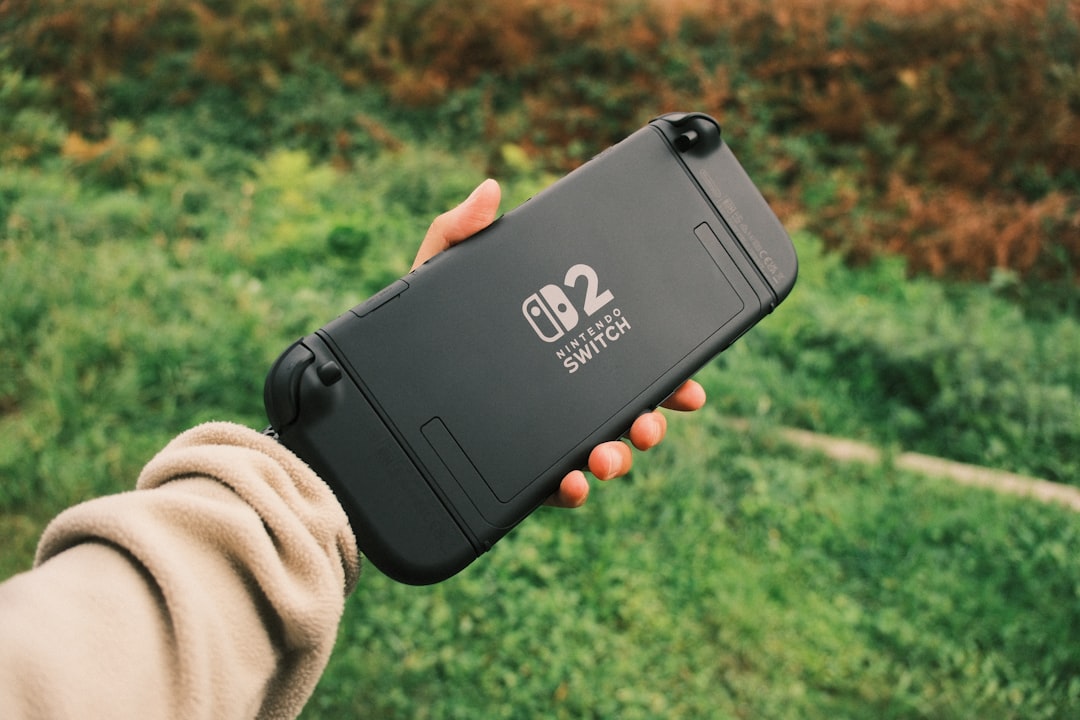


On a rainy Tuesday in late July, a friend in your local game group drops a new text: "I am ordering the new Pokemon Pokopia bundle." The message comes with no deep research and a lot of urgency. If you are hearing the same thing this week, that feeling is familiar. It is not about missing out on a launch. It is about not making a purchase decision that becomes expensive noise later. The official launch date is useful, but your decision should start with your real setup, not the hype cycle.
What Nintendo announced
On July 23, 2026, Nintendo posted the official details for the Switch 2 + Pokemon Pokopia Bundle. The point is straightforward: the date is no longer uncertain, and the bundle is framed as a full launch package. Before that date, everyone is guessing. After it, everyone can choose better because the timing is fixed.
For gaming hardware, the practical issue is usually not excitement. It is matching the launch package to your habits. A launch bundle does not need to be right for every player. It needs to be right for your household.
Why this bundle is being sold as one package
Bundles are usually built around three buyer needs: value, convenience, and start-up speed. Value comes from avoiding separate add-on shopping. Convenience comes from reducing setup decisions. Start-up speed matters when a household wants to start playing within a week, not after a long hardware compare phase.
None of those reasons are bad. They become a problem only when your needs are different. Maybe you do not want every themed inclusion. Maybe you already have compatible gear. Maybe you want to avoid a one-time spend until launch updates are visible. If your real plan is not the same as the bundle marketing plan, your decision should follow your plan, not the other way around.
Who should buy the bundle first
If your current setup needs a full switch replacement and you want to minimize setup friction, the bundle can be the best-fit path. You get a single package, one core box of hardware, and the least amount of decision overhead for launch-day excitement. This is useful for households with younger players, shared TVs, or one-person setups where simplicity matters more than upgrade flexibility.
If your household already has accessories and you mostly need one extra console, buying separately may be cleaner. You keep money in your pocket and move accessories in later once you see what your play pattern becomes. That is often better for mixed households where one person wants handheld-style sessions, another wants docked couch play, and a third is waiting on game preferences.
A method to decide this week
Start with this short filter set. It is easy, and it works better than emotional buy-now loops.
Your usage profile
Who will use the console for the first two weeks? If it is one person for one genre, your order scope can be narrow. If it is four people with mixed needs, a bundle can reduce chaos. If no one is sure, waiting and adding later may be safer.
Your add-on horizon
Do you need multiple controllers before launch week? If yes, your choice shifts toward a larger first package. If no, you can hold on accessories and add based on proven usage. Nothing is lost by adding later unless you need everything on day one for an event.
Checklist before you click buy
Use these five checks before any preorder decision.
- How often will the console be used in the first 14 days?
- Do you already own enough controllers, cables, and charging gear?
- Will storage and download habits require extra space immediately?
- How much do your players need theme-based launch items versus functional extras?
- Is your spend cap set for one package, or can it stretch after launch week?
That checklist does not tell you yes or no immediately. It tells you which path has less regret. The common error is to skip it, then blame a bundle for poor hardware timing when the issue was a rushed plan.
Launch-week timing without panic
Most people do two things wrong in launch week. First, they buy quickly because posts say it is the last chance. Second, they over-wait, then reorder for essentials once they have already built a new routine. Both create unnecessary friction.
If your checklist says you have a defined use case and existing gear is ready, a single-step bundle order is straightforward. If your checklist is still fuzzy, buy to test your setup in smaller steps. A core console first, then one controller if needed, then any add-ons after you run your first week of sessions. It sounds less dramatic, but it usually leads to fewer unused extras.
Small mistakes that create buyer regret
Families usually regret three things first: overpaying for launch emotion, choosing a setup that does not match screen habits, and forgetting that storage grows quickly with new release windows. None of these require outside research to avoid. They require honest tracking of your own pattern.
If the bundle includes appealing Pokemon-themed extras but your household uses fewer than half of your launch-time storage and accessory budget, you can still be intentional. Add the themed items later and keep your starting stack lean. If this sounds boring, good. Intentional spending sounds boring when measured against the next bill.
The right hardware decision is not always the newest box. It is the setup that matches your next two weeks.
What to track in your own plan
Track three data points after day one. First, who actually plays and for how long. Second, whether charging and storage become a blocker. Third, how many controller swaps happen each day. If those three points are stable, your next hardware decision becomes clear. If they are unstable, wait before expanding into add-on purchases.
This may feel slower than social media countdowns, but hardware ownership is not a sprint. the process stays straightforward with fewer surprises when it is planned.
Quick conclusion for people who want direct action
The Nintendo Switch 2 + Pokemon Pokopia bundle is now an announced launch package with a fixed date. That helps everyone. Your move is not to chase a date. Your move is to choose the purchase shape that fits your real routine: bundle all at once for a focused launch launch day, or staged buying for flexibility. Both can work. The only bad choice is the one you make without checking your own checklist.